Performance[perf]
Compiler Errors Explained: Decoding Messages by Phase

- Section
- Performance [perf]
- Published
- Length
- 9 min read
In this answer5 clauses
- 1The Basics of Compiler Errors
- 1.1Why your code won’t build
- 1.2The path from source code to program
- 2Which Errors Can a Compiler Catch?
- 2.1Syntax mistakes like missing semicolons
- 2.2Type and semantic mistakes in code
- 2.3Linker errors from missing or duplicate code
- 2.4Problems that appear while code runs
- 2.5Mistakes with memory and pointers
- 2.6Wrong results and template problems
- 3How to Find and Fix Bugs
- 3.1Making sense of long compiler error messages
- 3.2Use compiler flags and warnings early
- 3.3Debuggers and code analysis tools
- 3.4Fix bugs by testing in small steps
- 4Habits That Prevent Bugs and Errors
- 4.1Simple habits that keep code safe
- 4.2Modern C++ tools that make code safer
- 4.3Keep code clean and well organized
- 5Problems Unique to Online Compilers
- 5.1What online compilers can’t do
Abstract
Compiler errors are messages that explain why source code cannot be translated into a program, while linker errors mean compiled pieces cannot be combined and run-time problems appear only during execution. Read the first message, identify the build phase and location, then trace the underlying syntax or type mismatch instead of chasing follow-on errors; compiler wording varies with the tool and language standard. Enable warnings, compile in small steps, and test behavior separately, because a successful build does not guarantee correct results.
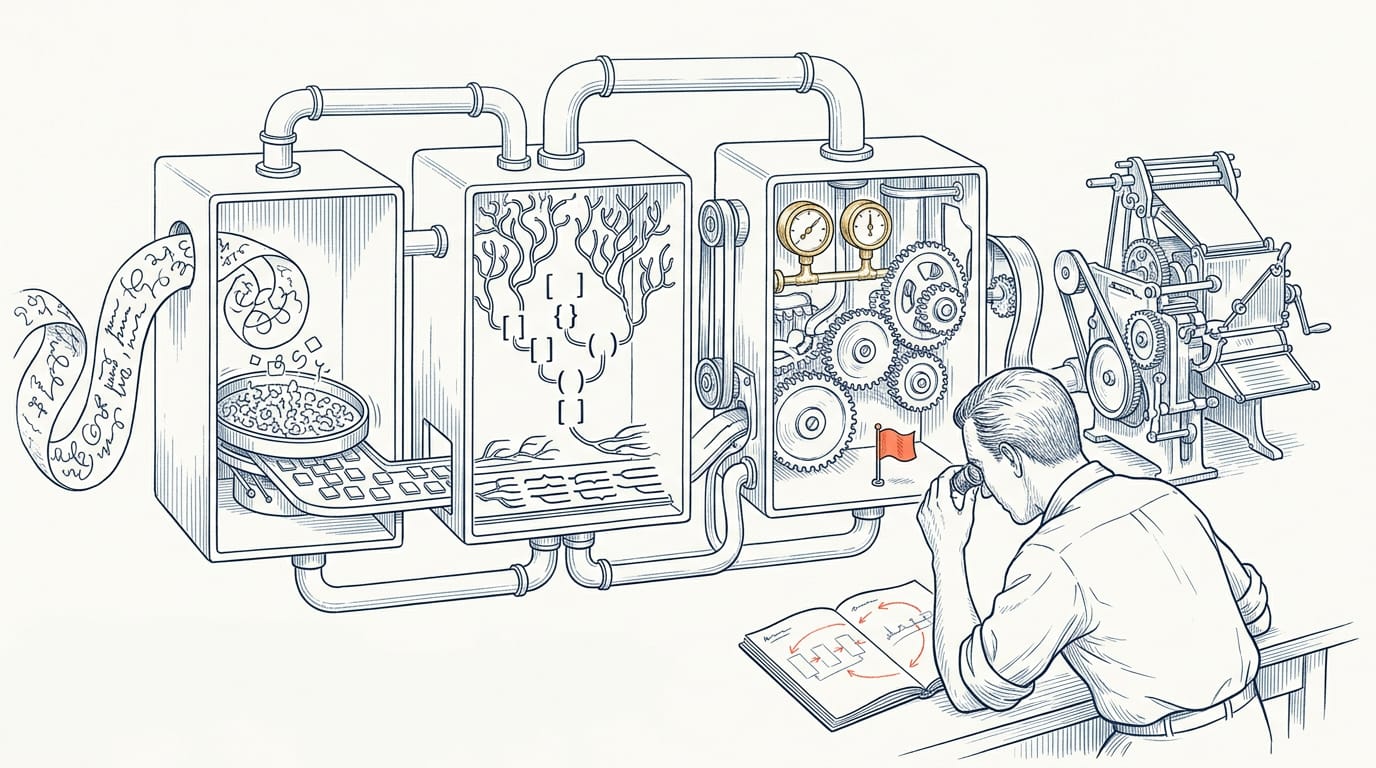
Think of a mechanic’s diagnostic printout: a page of codes that looks like noise until you know which line matters. Compiler errors feel the same way, especially when one missing semicolon produces forty lines of red text.
Reading them gets easier once you know which phase caught the problem. A compile error stops the translator before it builds object files, a link error means the pieces don’t fit together, and a run phase problem shows up only when the program executes.
Here, we’ll sort common messages by phase, then decode template and overload errors from GCC (the GNU Compiler Collection), Clang, and MSVC (Microsoft Visual C++), and show how your target standard changes them.
The Basics of Compiler Errors
A failed build is the compiler doing its job. Here’s the path a file takes to become a program.
Why your code won’t build
A compiler error is less about what your program does and more about where the build stopped. The compiler can’t translate your source code, so it stops and reports the problem.
- It prevents the build. The executable (the finished program file) never gets produced.
- It’s normal. Experienced developers hit them all the time, and the message points to the line.
- It’s harsh for beginners. A long stack of messages can make the whole project look broken.
Consider a firmware developer who renames a helper and misses one caller in a sensor driver. The message names that exact line. Fix it, and the build moves on.
The path from source code to program
Your source file passes through four stages:
- Preprocess. The preprocessor expands
#includeand macros into your file. - Compile. The compiler checks the code and translates it into assembly.
- Assemble. The assembler turns that assembly into an object file of machine code.
- Link. The linker combines object files and libraries into one executable.
Knowing the stage tells you where to look: a missing header fails during preprocessing, while a type mismatch fails during the compile step.
In practice you run a loop: write, compile, fix, recompile. It’s about progress rather than perfection, one pass at a time.
A typical command for one file looks like this: g++ -std=c++20 -Wall main.cpp -o app
-std=c++20 picks the standard, -Wall enables common warnings, main.cpp is the source, and -o app names the output. If compiling fails, linking never starts.
Which Errors Can a Compiler Catch?
Which errors can a compiler check? The ones visible in your source text: broken syntax, mismatched types, unknown names. Linking and run-time bugs sit past that boundary, the line between compile time and run time. Whether a compiler or an interpreter does the translating decides where that line falls.
Syntax mistakes like missing semicolons
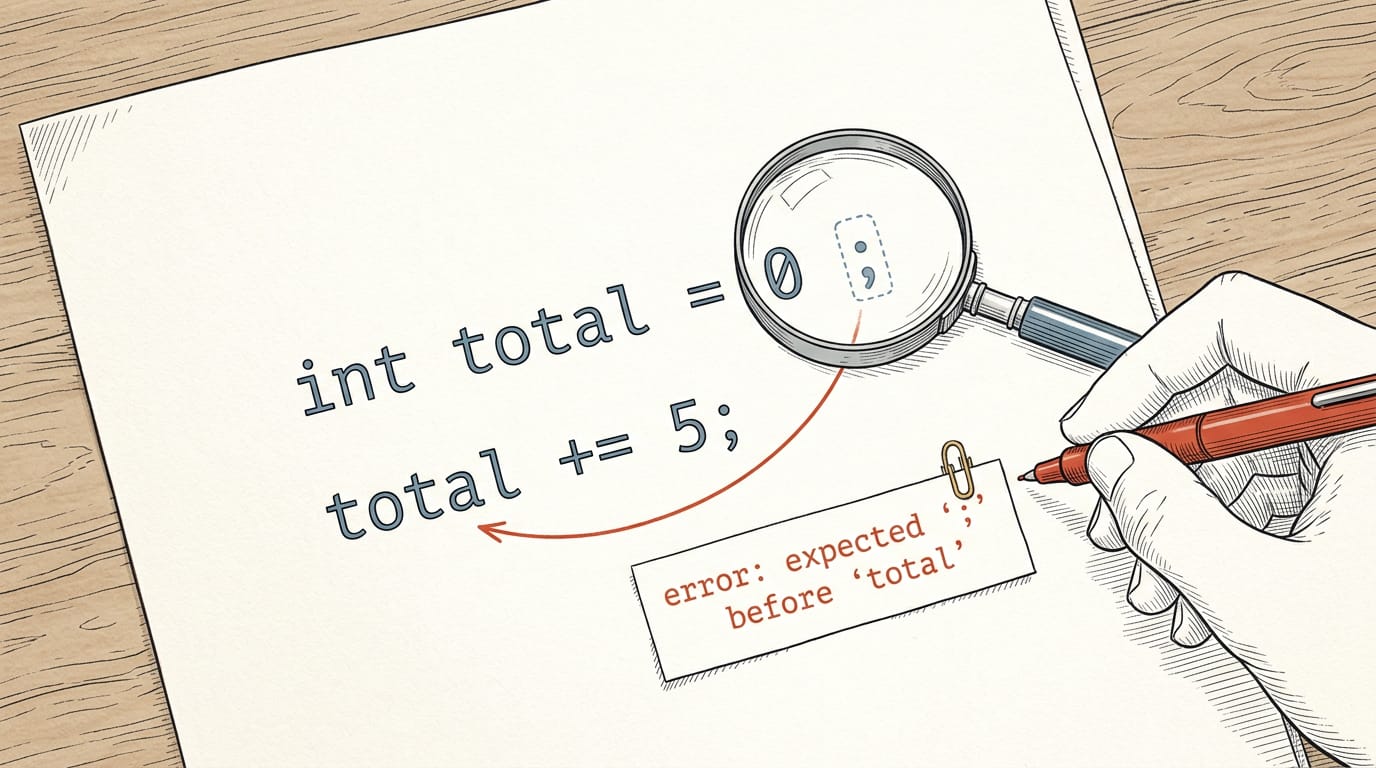
A syntax error breaks C++ grammar, so the compiler can’t parse the line. Missing semicolons, unclosed parentheses, and mismatched brackets are the classic cases:
int total = 0
total += 5;
— end example]
The GNU Compiler Collection (GCC) reports error: expected ';' before 'total', naming the token after the real mistake. A missing closing brace usually fails at the end of the file. A bare statement at file scope breaks a grammar rule too.
Type and semantic mistakes in code
A semantic error is grammatical code that breaks a meaning rule. The common cases:
- Type mismatches: assigning a value the variable’s type doesn’t accept.
- Incorrect function calls: wrong argument count or types.
- Missing header files: forgetting
#include <vector>gives GCC’s'vector' is not a member of 'std'. - Conversion error messages: the message names both types, so read each side first.
Say a teammate gives a parameter a custom Money type with an explicit constructor. Every call passing a plain integer now fails, and the compiler lists each one.
Linker errors from missing or duplicate code
The linker joins compiled files, so code can compile cleanly and still fail here.
- Undefined reference: a call with no definition anywhere in the program.
- Multiple definitions: the same function defined in two source files.
- Missing library linking: a library function called without its library on the link line.
- Declared but undefined functions: a header declares
void render();and no source file defines it. - ODR violations behind multiple definitions: the One Definition Rule (ODR) requires exactly one definition per entity. A non-inline function in a shared header breaks it, while other ODR violations compile silently.
A firmware developer’s shared checksum helper can trigger this. Marking it inline is a one-word fix that lets the duplicates coexist.
Problems that appear while code runs
The compiler checks what your code says, not what it does at run time.
- Segmentation fault: the program touched memory it doesn’t own.
- Division by zero: dividing an integer by zero is undefined behavior, so the standard promises no particular outcome.
- Infinite loops: no error message at all, just a hang.
- Core dumped messages: the note your shell prints after a crash that wrote a memory snapshot. It’s a symptom, not the cause.
The build never warned you.
Mistakes with memory and pointers
The compiler can’t see what a pointer points to at run time.
- Uninitialized pointers: a pointer with no value holds whatever bits were in that memory.
- NULL pointer dereference:
int* p = nullptr; *p = 3;compiles, then crashes or corrupts memory. - Memory leaks: memory you allocated and never returned.
- Unfreed allocations: a
newwith no matchingdelete. Smart pointers likestd::unique_ptrfree memory for you.
Wrong results and template problems
The build tells you the code is valid, not that it’s correct.
- Wrong output without error message: the program builds, runs, and prints the wrong answer, as with an off-by-one loop bound.
- Hardest to detect: nothing fails, so only tests that check results will catch it.
- Template operator not defined:
std::sorton your own struct fails to compile without anoperator<, and the message can run long into library headers.
How to Find and Fix Bugs
Many bugs announce themselves before your program runs. GCC (the GNU Compiler Collection), Clang and MSVC (Microsoft’s Visual C++) word those complaints differently, so one mistake can read three ways.
Making sense of long compiler error messages
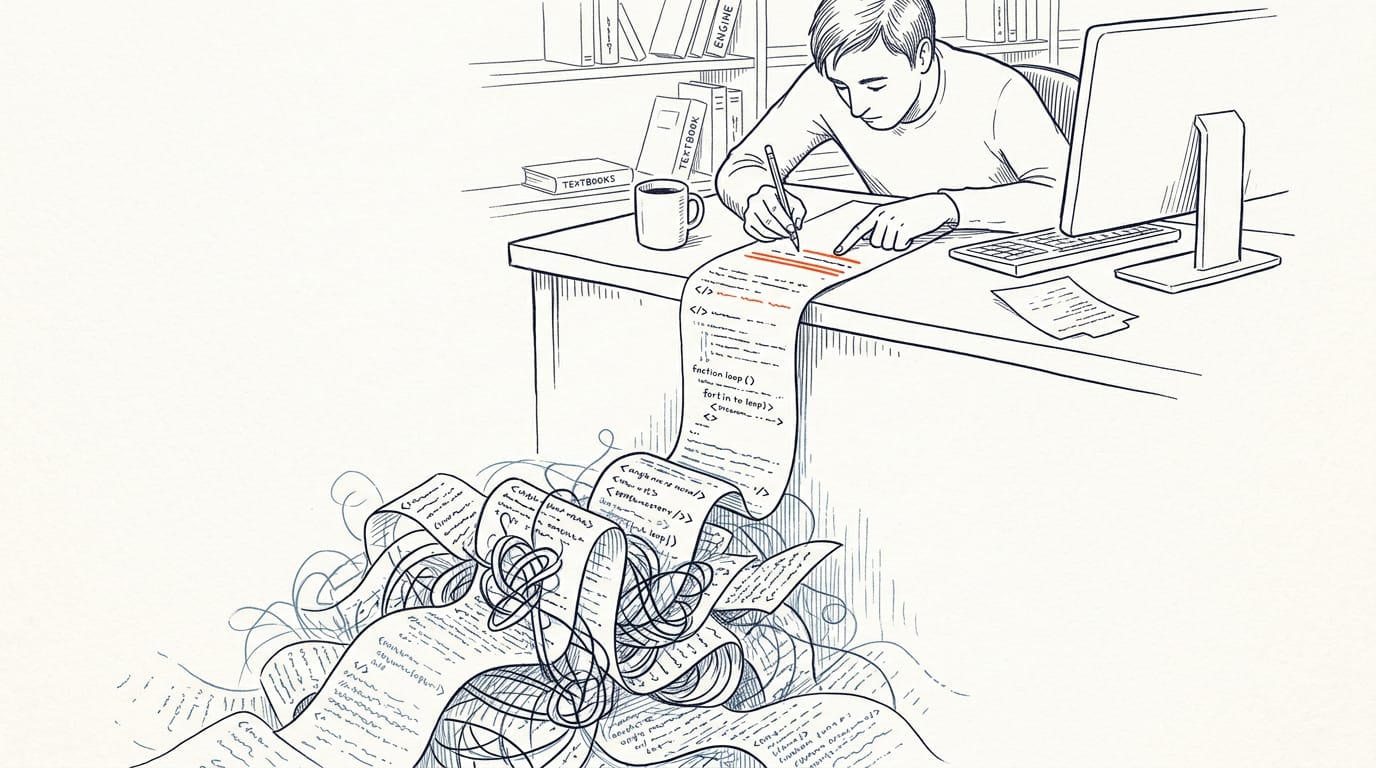
Start with the error location, the file and line the compiler names, and read the first message before the rest. One missing #include can trigger dozens of follow-on errors, most of them just reactions.
Next, identify the error type: a syntax slip or a type mismatch. Interpret warnings as real signals, even when the build succeeds.
Template cascades are the hardest. Picture a game engine programmer facing a wall of template output. The first error pointing into their own file names the mismatch, so the fix takes a minute.
Each compiler nests that detail differently, so hunt for that line.
Use compiler flags and warnings early
Enable warnings early, not after the build breaks. -Wall and -Wextra turn on broad checks on GCC and Clang, while MSVC has its own warning levels. Add -g for debugging symbols, so a debugger maps crashes to source lines.
Pin the language with an explicit -std= flag matching your target, so a toolchain upgrade can’t quietly change the rules. In continuous integration (CI) builds, add -Werror to turn every warning into a failed build.
Debuggers and code analysis tools
Reach for these when code builds but misbehaves:
- GDB (the GNU Debugger): steps through your program and inspects variables.
- Valgrind: reports memory mistakes, such as reading memory you never set.
- cppcheck and the Clang analyzer: flag suspicious code without running it, like a possibly null pointer.
- IDE debuggers: breakpoints and watch windows in your integrated development environment (IDE).
- Cross-check locally: build with a second compiler, which checks what the standard promises rather than what one compiler happens to do.
Fix bugs by testing in small steps
Big changes hide bugs, so change one thing at a time. Take a teammate who rewrote a parser and faced six failing tests at once. Small steps win. Work through these habits:
- Compile small segments: build after each edit.
- Isolate problem code: move it into a tiny standalone program.
- Print intermediate values: log each step to spot where numbers go wrong.
- Test individual functions: one test each, so a failure names one suspect.
Habits That Prevent Bugs and Errors
Most bugs are cheaper to prevent than to chase. Here’s what to build in:
Simple habits that keep code safe
- Initialize pointers. Set a raw pointer to
nullptrwhen you declare it, so it doesn’t hold a garbage address. - Free allocated memory. Every
newneeds a matchingdelete, and an early return can skip it. - Check denominators for zero. Integer division by zero is undefined behavior, so test the divisor first.
- Validate inputs. Check sizes and ranges before you trust data from files or callers.
- Add loop exit conditions. Make sure every loop can end, even on bad input.
Modern C++ tools that make code safer
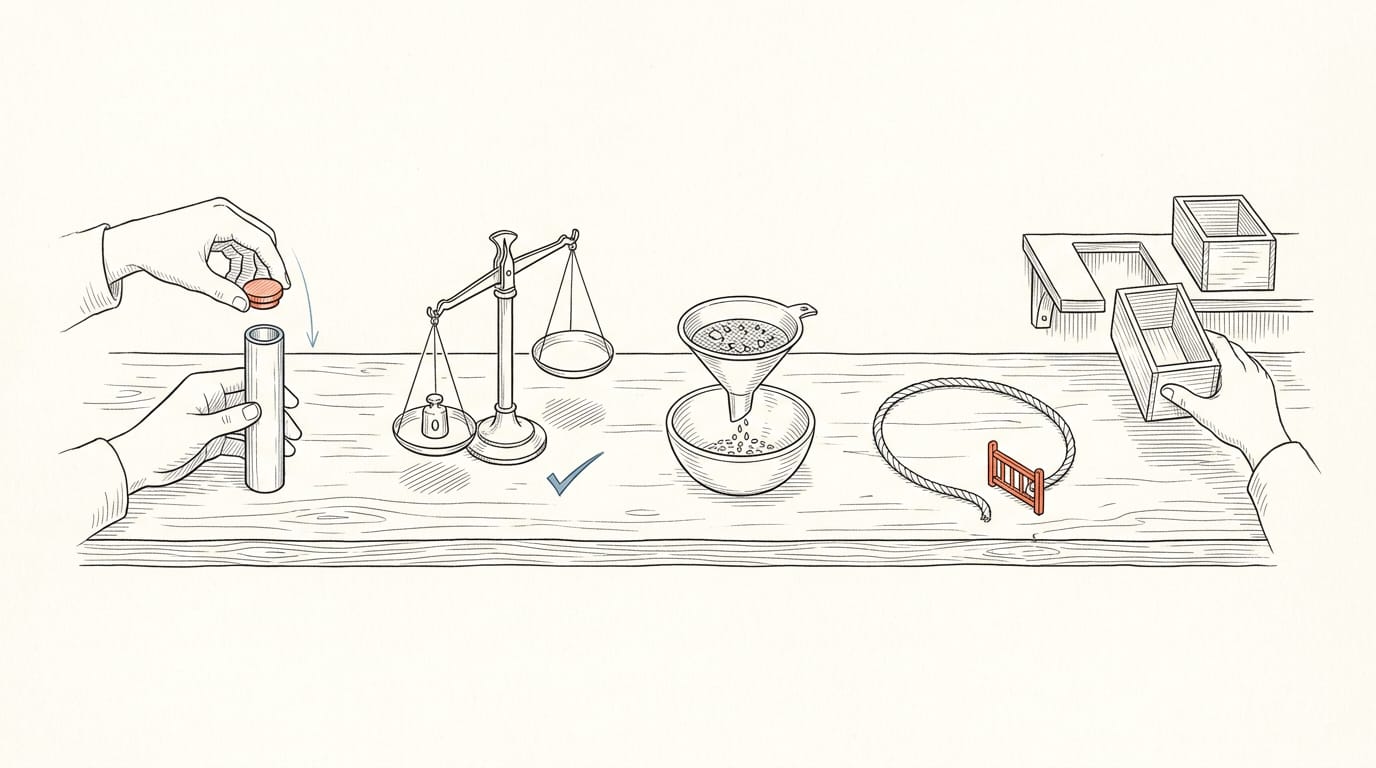
Take a game engine programmer who paired every new with a delete at the end of each level. After switching to std::unique_ptr, the destructor frees the asset on every exit path. The cleanup happens for you. These tools do the work:
- Smart pointers make ownership explicit rather than implicit.
- RAII (Resource Acquisition Is Initialization) ties a resource’s lifetime to an object’s, so the destructor releases it.
- Strong typing turns a plain
intmeant as a file handle into its own type, so passing a user count becomes a compile error. - Update compiler and tools. Newer releases bring better checks, so keep yours current.
- Concepts (C++20) let a failed template call name the requirement that broke, instead of a wall of template text.
Keep code clean and well organized
Use consistent indentation and descriptive names, so a reviewer can spot a mismatch at a glance. Write comments that explain why the code does something, not what the next line already says.
Commit in small steps with version control, so a broken build points to one change. Schedule small refactoring passes between features to keep it readable.
Problems Unique to Online Compilers
An online compiler is great for a quick test, but the setup around your code isn’t yours. Knowing where these sites fall short saves you from chasing errors that never came from your code.
What online compilers can’t do
Before you trust a result from a website, check these limits:
- Unavailable headers. Headers like
conio.haren’t part of the C++ standard library, so a site may not provide them. Your build then stops at the include line, long before your logic gets checked. - Execution time limits. Each run gets an execution time limit, the longest your program can run before the site stops it. A loop that finishes in a blink on your laptop may get cut off.
- Output buffering delays. Output can be held back and shown in batches, so a prompt may appear late or all at once.
- Limited debugging tools. You may not get a full debugger, so stepping through code and inspecting variables is harder than on your own machine.
- Check the documentation. The site’s docs should say which compiler version and flags it uses, so look there before you draw conclusions from a run.
Consider a C++ developer on a Windows team who pastes a console game loop into an online compiler to test one function.
The build fails on conio.h before a single line of game logic runs, and the developer loses an afternoon hunting a bug that doesn’t exist. Test the logic locally, and save the online tool for small, portable snippets.
Compiler errors stop feeling like noise once you know the routine: read the first line, identify the phase that raised it, then follow the template or overload trail to the type that didn’t match.
The wording shifts across GCC, Clang, and MSVC and with the standard you target, but the method stays the same.
Make that routine a habit and each red wall of text becomes a short list of questions you already know how to answer. The compiler is always talking. Now you know how to listen.
Questions
What are the 32 keywords in C?
The traditional C language has 32 keywords: auto, break, case, char, const, continue, default, do, double, else, enum, extern, float, for, goto, if, int, long, register, return, short, signed, sizeof, static, struct, switch, typedef, union, unsigned, void, volatile, and while. Newer C standards add additional keywords.
How to write "I love you" in C language?
Write a C program that prints the phrase: `#include <stdio.h>
int main(void) {
printf("I love you\n");
return 0;
}`
Is /* a comment in C?
Yes. `/*` begins a block comment in C, and the comment ends at `*/`. For example: `/* This is a comment. */`
Which of the following errors can a compiler check?
A compiler can check source-level problems such as syntax errors, type mismatches, and uses of unknown names. It generally cannot determine whether the program will produce the right result or catch problems that only occur at run time, such as a null-pointer dereference; linking errors are reported by the linker.