Language[lang]
std::vector Explained: How the Dynamic Array Works

- Section
- Language [lang]
- Published
- Length
- 7 min read
In this answer5 clauses
- 1What a Std::vector Is
- 1.1A dynamic array that resizes at runtime
- 1.2Include the header and get started
- 2Ways to Declare and Fill a Vector
- 2.1Different ways to declare one
- 2.2Building vectors of vectors
- 3Everyday Things You Do with Vectors
- 3.1Adding and removing elements
- 4How Vectors Use Memory and Addresses
- 4.1Elements sit side by side in memory
- 4.2When a vector reallocates its memory
- 4.3The vector object versus its elements
- 5How Fast Each Vector Operation Runs
- 5.1How long common operations take
Abstract
std::vector is a C++ container that stores elements of one type in a contiguous, growable array, so its size can change at runtime. Use indexing for fast access, append with push_back or emplace_back for efficient growth, and reserve capacity when you know the likely size; inserting or erasing near the front or middle shifts later elements. When the vector reallocates, pointers, references, and iterators to its elements become invalid, so account for that when managing memory and addresses.
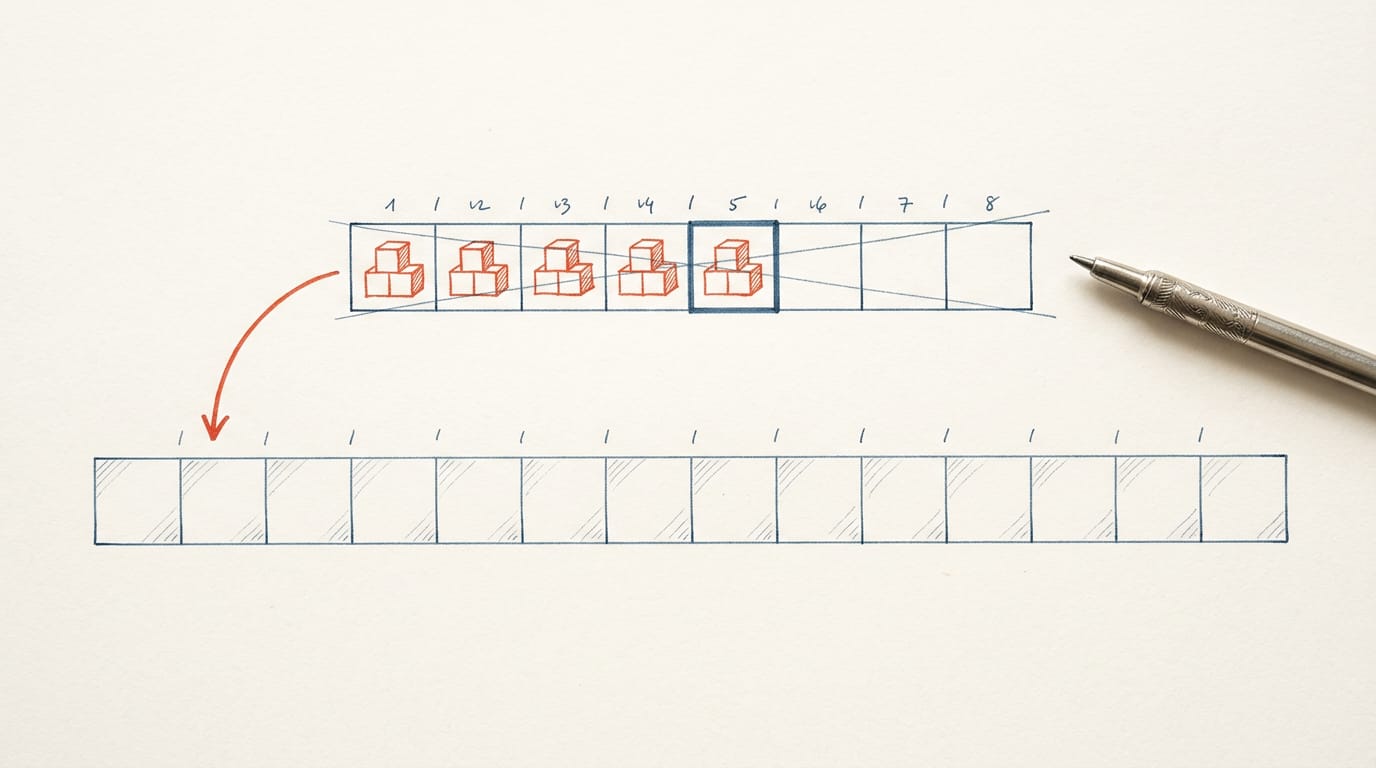
Think of a bookshelf in a shared office. Each book has a numbered slot, and you can grab any one by its position. When the shelf fills up, someone has to haul every book to a bigger one.
std::vector works the same way. It’s the standard library’s dynamic array: one growable block of elements stored side by side, so you can index straight into it and add to the end.
We’ll cover construction, everyday operations, memory, and cost, plus the traps that bite working developers, like iterator invalidation and the vector<bool> exception.
What a Std::vector Is
Here’s what std::vector is and the minimum you need to start using it.
A dynamic array that resizes at runtime
A std::vector is a dynamic array from the Standard Template Library (STL), the collection of containers and algorithms that ships with C++.
It holds elements of a single type, and it resizes automatically at runtime: add an element and it grows, remove one and it shrinks. You don’t have to track that size yourself.
Unlike a fixed-size array, which keeps the size you wrote into the code, a vector’s size follows its contents.
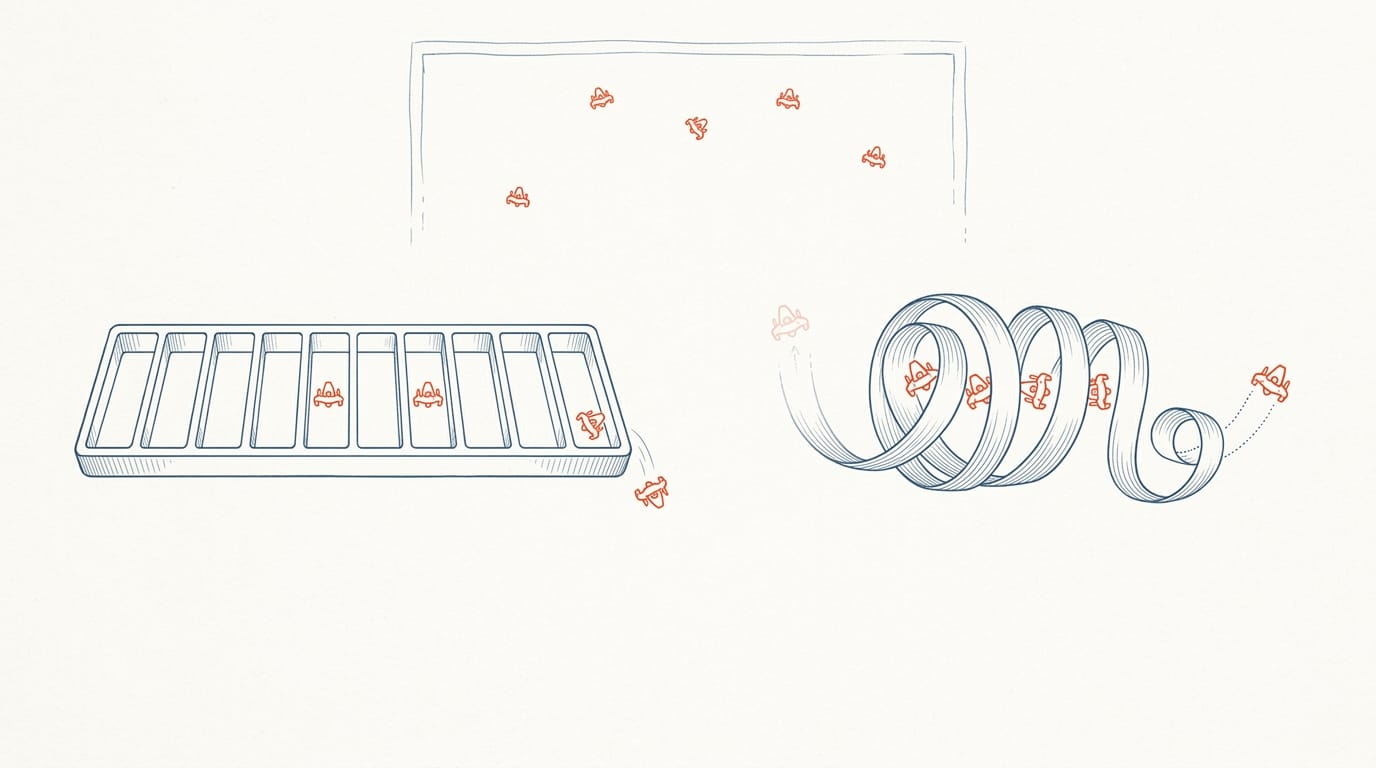
Consider a game engine programmer tracking the enemies on screen. That count changes every frame as enemies spawn and fall, so a fixed array forces a guess at the maximum up front.
A vector holds however many enemies exist right now, so the code never has to guess a limit. Less guessing, more code that matches the data.
Include the header and get started
Everything you need lives in the <vector> header, so every file that uses a vector starts with #include <vector>. Here’s the minimum:
- Include the header.
- Declare the vector by naming its element type in angle brackets.
#include <vector>

int main() {
    std::vector<int> scores;   // empty for now
}
— end example]
That declares an empty vector of int values. That’s the whole setup.
You’ll see tutorials pair that include with using namespace std;, which lets you write vector alone. Skip it. That line pulls every name from std into your file, and it can collide with names you’ve already written.
Keep the std:: prefix, and you’ll always know where a name comes from.
Ways to Declare and Fill a Vector
A vector can start empty, sized, filled, or loaded with values. Each form says something different about what you know up front, so pick the one that matches.
Different ways to declare one
- Empty vector:
std::holds nothing until you callvector<int> scores; push_back. - Vector with given size:
std::creates eight value-initialized elements, which are zero for an int.vector<int> readings(8); - Size with fill value:
std::creates eight copies of -1.vector<int> readings(8, -1); - Initializer list:
std::takes its values from a braced initializer list.vector<int> primes{2, 3, 5, 7}; - Class template argument deduction (CTAD):
std::lets the compiler infervector nums{1, 2, 3}; std::vector<int>from the values. It’s a C++17 feature.
Braces and parentheses aren’t interchangeable. Parentheses describe a count, while braces list the values. So std:: holds three fours, but std:: holds two elements, 3 and 4. Same numbers, different vectors.
Think of a firmware developer who needs a zeroed sensor buffer before the first reading arrives. std:: gives it in one line, and the reviewer has no fill loop to check.
Building vectors of vectors
A vector of vectors gives you a grid, and each form below sets up the rows differently.
- Vector of vectors:
std::starts with no rows.vector<std:: vector<int>> grid; - Initializer list of vectors:
std::builds two rows of different lengths.vector<std:: vector<int>> grid{{1, 2}, {3, 4, 5}}; - Initial sizes after construction:
std::builds three rows of four zeros. Check the row count withvector<std:: vector<int>> grid(3, std:: vector<int>(4)); grid.size()and one row’s length withgrid[0].size().
Each row is an independent copy, not a reference to one shared vector, so changing grid[0][0] leaves grid[1][0] alone. Rows stay separate.
Everyday Things You Do with Vectors
Most of your day with a vector comes down to adding and removing elements. A few calls decide whether those stay cheap.
Adding and removing elements
Here’s the breakdown:
- Adding at the end. push_back appends an element in amortized constant time, meaning most calls are cheap and occasional regrowth averages out.
- Removing at the end. pop_back drops the last element and leaves the rest alone.
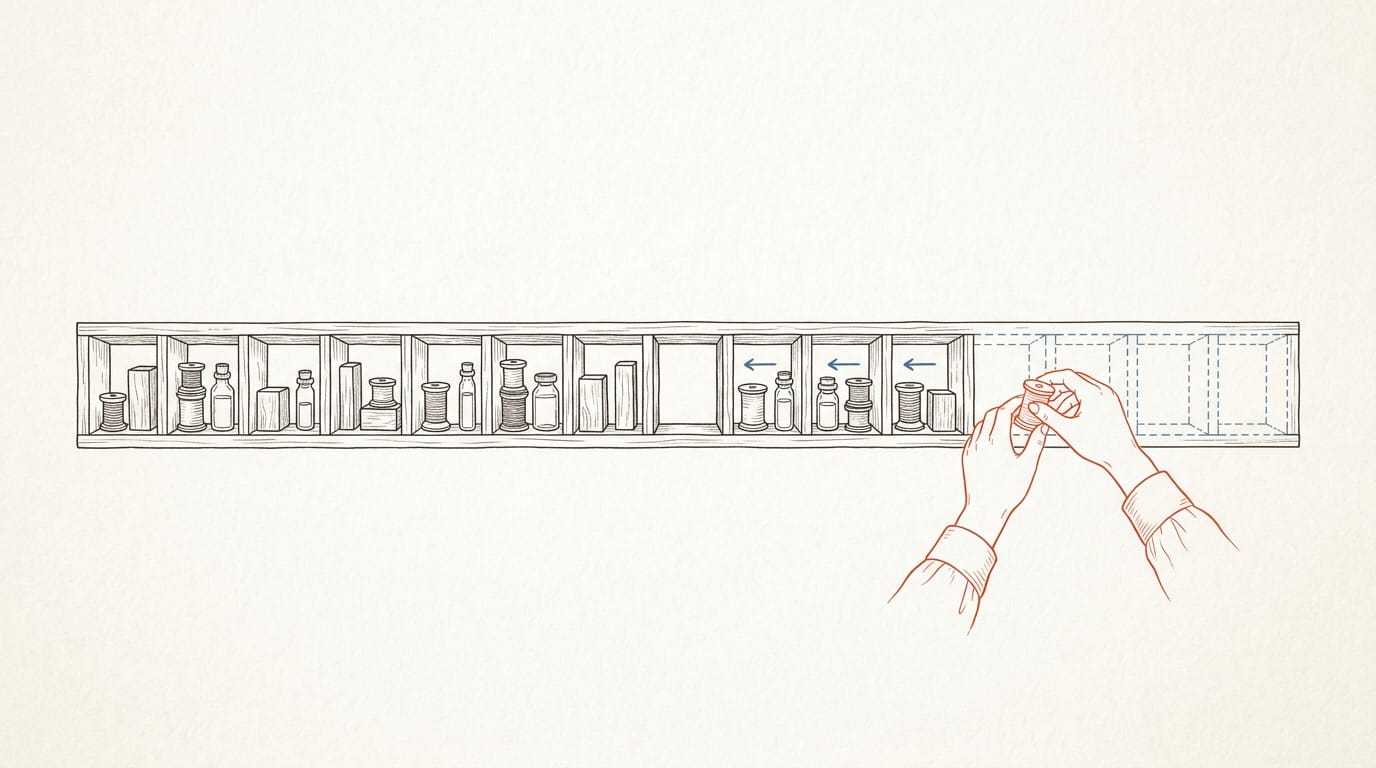
- Front or middle. insert and erase at an iterator shift every element after that point, so the cost grows with how many sit behind it. If you’re touching the front constantly, reconsider the container rather than forcing the vector.
Capacity is the next thing to get straight. Think of size as the elements you’ve actually added and capacity as the room you’ve reserved, not the room you’ve used.
Consider a game engine programmer collecting particle positions each frame: calling reserve() once with the maximum particle count, before the loop, means push_back won’t reallocate while the frame fills up. shrink_to_fit() is only a non-binding request to release the excess, so don’t count on it.
For building elements, emplace_back (C++11) constructs the element in place from its constructor arguments.
The real difference is how the element gets built: push_back({x, y}) creates a temporary and moves it in, while emplace_back(x, y) skips the temporary.
Before C++20, removing every match took the erase-remove idiom: v.erase(std:: std::remove moves the keepers forward, and erase trims the tail.
Since C++20, std::erase(v, value) does the same job in one call and reads like what you mean. Same result, one line.
How Vectors Use Memory and Addresses
Pointers, iterators and reallocation all hinge on where a vector keeps its data, so we’ll start with the elements.
Elements sit side by side in memory
A vector stores its elements in one contiguous block, so each sits next to its neighbors. Indexing is constant-time: v[i] computes the address from the block’s start and the index.
Consider a game engine programmer updating particle positions each frame. The loop walks memory in order, and the same block can feed a rendering call that expects a flat array.
When a vector reallocates its memory
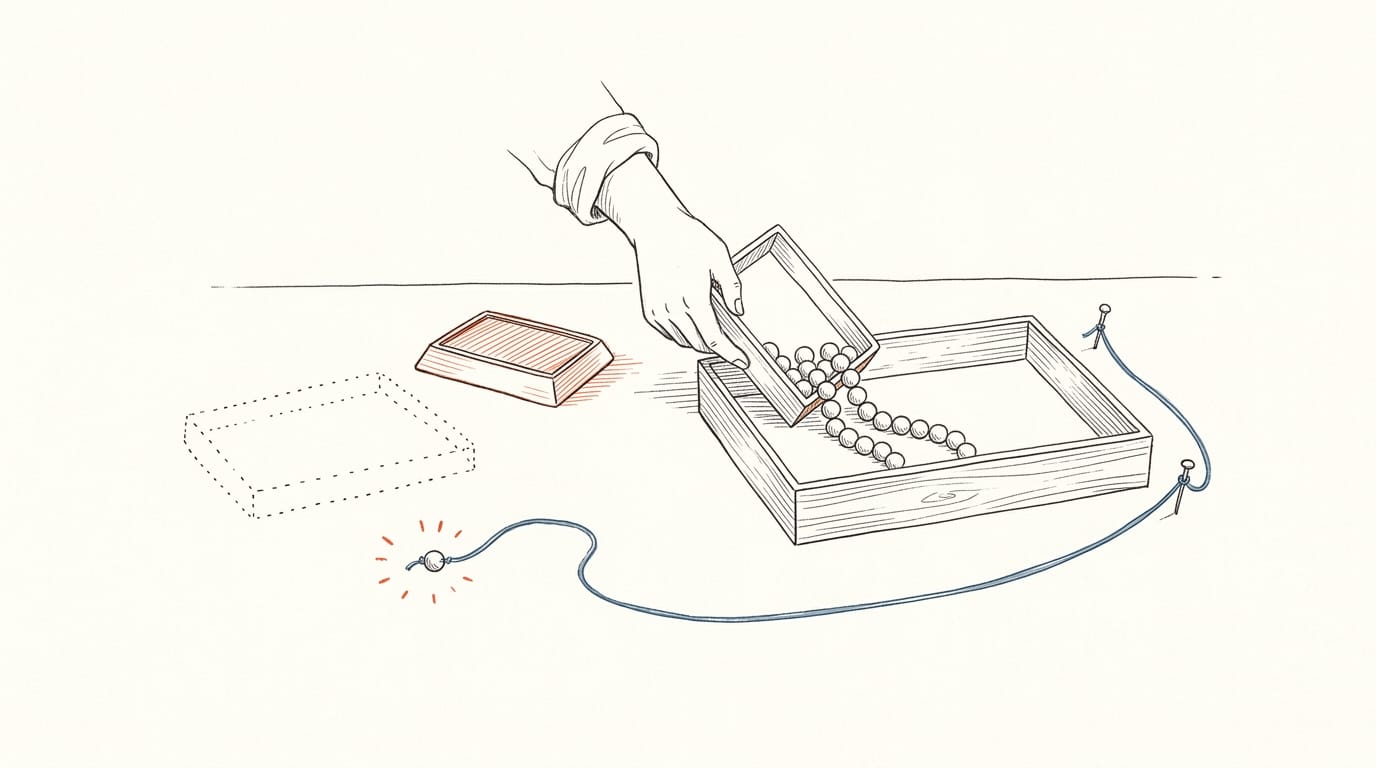
A vector is less about the object than the buffer behind it. When push_back finds the block full, it may reallocate into a larger block and free the old one. Calling reserve(n) guarantees capacity of at least n.
Reallocation invalidates every iterator, pointer and reference to the elements. Even a push_back that doesn’t reallocate invalidates end().
Nested vectors differ. Growing the outer vector<vector<int>> moves the inner vector objects, but their buffers stay put, so pointers into inner elements survive, though references to the inner vectors don’t.
Pushing onto an inner vector reallocates only that buffer.
During growth, a move is used only when the move constructor is noexcept or no copy is possible. Otherwise the vector copies, which costs more. Mark your move constructors noexcept when they can’t throw.
The vector object versus its elements
A std::vector object is a small, fixed-size handle holding a pointer to the array. That’s why sizeof(vector) stays constant, and why printed addresses can look far apart: the elements live in their own block.
&v: the vector object.&v[0]: the first element.&v[0][0]: the first element of the first inner vector.
Reallocation moves the buffer, not the object: &v holds steady through a reallocation, but &v[0] changes. The object stays put. The elements don’t.
How Fast Each Vector Operation Runs
Before you tune a loop or question a performance comment in review, it helps to know what each operation costs as the vector grows.
Costs are written in Big O notation, which describes how the work grows with the number of elements. Here’s what the common operations cost:
How long common operations take
- Random access, O(1). Reading or writing
v[i]takes constant time, whether the vector is small or huge. - Amortized O(1) at the end.
push_backis usually cheap because it writes into spare capacity. The occasional reallocation is spread across many calls, so the average cost per append stays constant. - O(n) at the front or middle. Inserting anywhere except the end forces every element after that point to shift, so the work grows with the vector’s size.
Consider a game engine programmer who reads one particle by index every frame. That lookup is O(1), so the frame budget holds steady as the particle count climbs.
Now picture a firmware developer who inserts each new sensor sample at the front of the buffer. Every insert shifts the whole buffer, and the cost grows with every sample stored. Appending to the back instead brings each insert back to amortized O(1). Sensor samples that arrive at one end and leave from the other are the classic case for a queue.
The cost depends on where you insert, not just how many elements you hold. Position matters.
Here’s the big idea: std::vector is a growable, contiguous array with fast indexing and cheap appends, as long as you respect the moment its memory moves. Pick the construction that fits your standard and treat every insert as a possible reallocation.
That habit pays off in code that’s easier to review and harder to break. Spot iterator invalidation before it ships, let move-aware growth work for you, and remember the vector<bool> exception.
Know where your elements live, and the vector will do the heavy lifting.