Standard Library[lib]
How to write comparators for std::sort and std::map

- Section
- Standard Library [lib]
- Standard
- C++20
- Compilers
- MSVC 19.44, Clang 19.1
- Published
- Length
- 6 min read
In this answer6 clauses
Abstract
A comparator must be irreflexive and transitive, and “neither goes first” must be transitive too; break a rule and std::sort has undefined behavior, while std::set and std::map quietly merge keys you meant to keep apart. In C++20 a defaulted operator<=> compares the members in declaration order and gives you all six operators, so most types need no hand-written comparator.
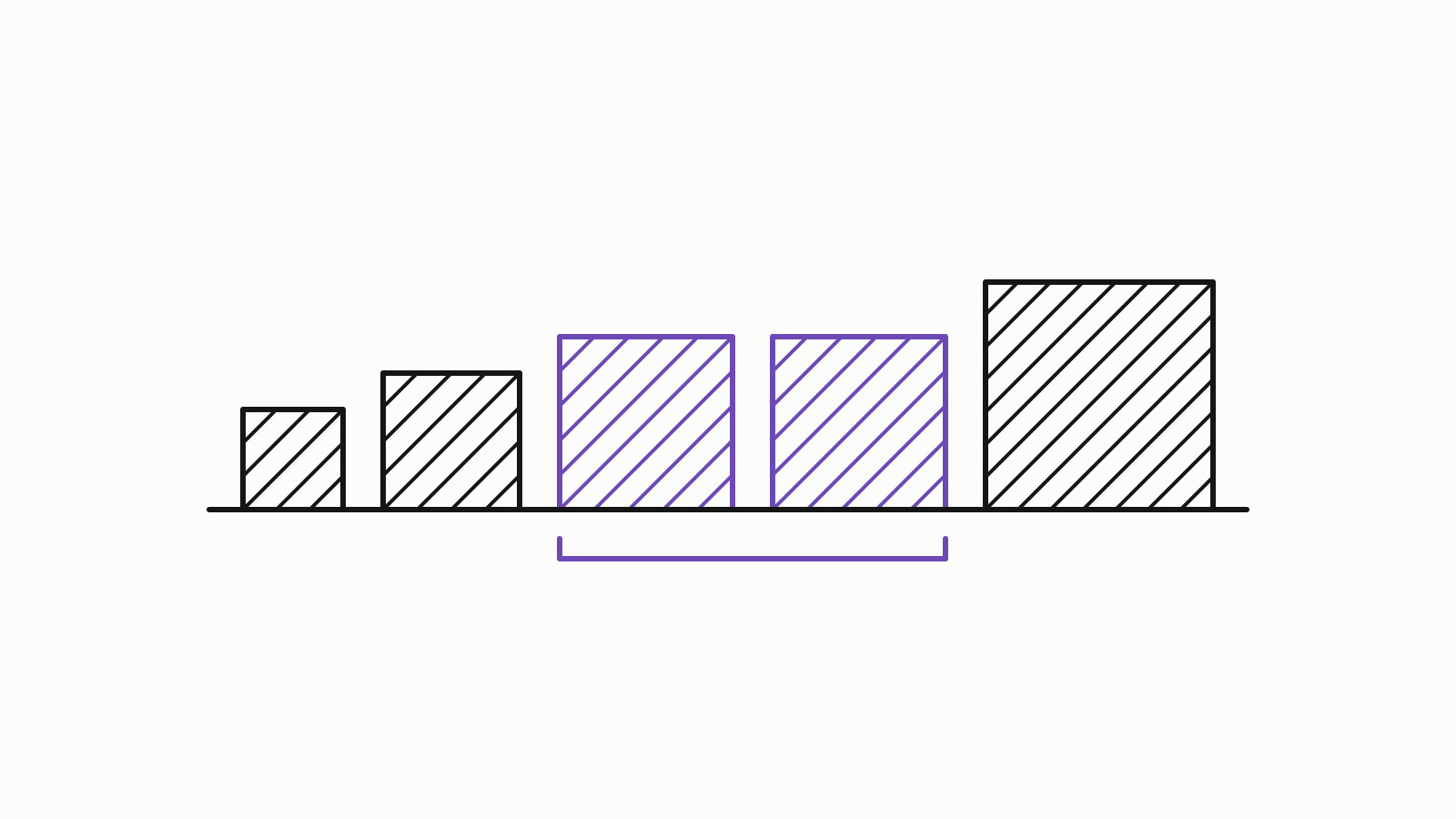
A comparator answers one question: does a go before b? std::sort, std::set, std::map and the rest of the ordered library build everything on that answer, and they assume it follows three rules. This guide is written for C++20. The rules have not changed since C++98; what C++20 changed is how you write the comparison, with operator<=>, defaulted comparisons and three comparison categories. Where the pre-C++20 way differs, each section shows it. Every sample was compiled with MSVC 19.44 (/std:c++20 /EHsc /W4 /permissive-) and Clang 19.1 (-std=c++20 -Wall -Wextra, on Microsoft’s standard library) on one Windows x64 machine, without optimization unless the text says otherwise, and the pre-C++20 samples also under C++17; the outputs and errors shown are what those builds produced there.
What changed: a type ordered member by member gets its comparison written by hand, with from the compiler, with operator< and std::tieauto operator<=>(const T&) const = default;.
since C++20
The three rules a comparator must follow
The standard calls the requirement a strict weak ordering ([alg.sorting] in the C++ working draft). Call two values equivalent when neither goes first, !comp(a, b) && !comp(b, a). Then:
- Irreflexive:
comp(a, a)is false for everya. - Transitive: if
comp(a, b)andcomp(b, c), thencomp(a, c). - Transitive equivalence: if
ais equivalent tobandbtoc, thenais equivalent toc.
Asymmetry, comp(a, b) and comp(b, a) never both true, follows from the first two. Equivalence is what the library treats as “the same”: elements std::sort may leave in any order, and a single key in std::set and std::map. Since C++20 the rules have a name in code, the concept std::, but a concept checks only syntax: that the calls compile and return something usable as bool. Whether your comparator keeps the rules is still on you; C++20 concepts: how to write and use them explains what a concept does and doesn’t check. cppreference’s Compare requirement lists them in the same form.
What breaks when a rule fails
The standard asks for no run-time check, and a broken comparator fails differently in an algorithm and in a container.
In std::sort: undefined behavior
A comparator that breaks a rule is undefined behavior ([res.on.functions] covers any type whose operations do not meet their requirements), not a slightly different order. The usual culprit is <= or >=:
std::vector<int> v{3, 1, 2, 3};

std::sort(v.begin(), v.end(), [](int a, int b) { return a >= b; });  // UB: comp(3, 3) is true
std::sort(v.begin(), v.end(), [](int a, int b) { return a > b; });   // descending, correct
std::sort(v.begin(), v.end(), std::greater<>{});                     // the same, since C++14
— end example]
The second classic is floating point. NaN < x and x < NaN are both false, so NaN is equivalent to 1.0 and to 3.0, while 1.0 and 3.0 are not equivalent to each other. That breaks transitive equivalence, so sorting a vector that holds a NaN with the default comparator is undefined behavior too.
In std::set and std::map: merged keys
An ordered container keeps one element per equivalence class. A comparator can keep all three rules and still merge values you meant to keep apart:
struct Employee {
    std::string last;
    std::string first;
};

struct ByLastName {
    bool operator()(const Employee& a, const Employee& b) const {
        return a.last < b.last;
    }
};

std::set<Employee, ByLastName> staff;
staff.insert({"Okafor", "Ada"});
staff.insert({"Okafor", "Ben"});  // equivalent to Ada Okafor, so not inserted
// staff.size() == 1
— end example]
ByLastName is a valid strict weak ordering. It says that two people with the same last name are the same key, and insert believes it: the second call returns false in .second and leaves Ada in place. Compare every member that makes two values different. Before C++20 the shortest correct form is std::tie (since C++11), which compares tuples of references lexicographically:
struct ByName {
    bool operator()(const Employee& a, const Employee& b) const {
        return std::tie(a.last, a.first) < std::tie(b.last, b.first);
    }
};
— end example]
Writing a comparator by hand
When the order you want is not the members in declaration order, or the type is not yours to change, write the comparator yourself:
- List the members that decide the order, most significant first.
- Compare them lexicographically:
std::tiebefore C++20,<=>member by member in C++20. - Use
<on each member, never<=. - If a member is floating point, decide where NaN goes.
- For
std::setandstd::map, check that the members you left out really make two values the same key.
For floating point, C++20 adds std::strong_order. Where double is IEEE 754 (std::), it applies that standard’s totalOrder: -0.0 goes before +0.0, and positive NaNs go after infinity.
std::vector<double> xs{2.5, std::nan(""), 1.0};

// C++20: a total order over every double, NaN included.
std::sort(xs.begin(), xs.end(), [](double a, double b) {
    return std::strong_order(a, b) < 0;
});
— end example]
Before C++20, take the NaNs out of the sort:
// Before C++20: move the NaNs to the end, then sort the rest.
auto first_nan = std::partition(xs.begin(), xs.end(),
                                [](double x) { return !std::isnan(x); });
std::sort(xs.begin(), first_nan);
— end example]
C++20 also gives a lambda with no captures a default constructor, so it can serve as the comparator type of a set or map directly (C++ generic lambdas, template lambdas and function objects compares it with a named comparator such as std::less<>):
auto by_name = [](const Employee& a, const Employee& b) {
    return std::tie(a.last, a.first) < std::tie(b.last, b.first);
};

std::set<Employee, decltype(by_name)> staff;           // C++20
std::set<Employee, decltype(by_name)> older(by_name);  // C++11 to C++17: pass the lambda in
— end example]
Let operator<=> write the comparison
For most value types, the order you want is their members, one after another. In C++20 you can ask the compiler for exactly that:
struct Date {
    int year;
    int month;
    int day;

    auto operator<=>(const Date&) const = default;  // also declares ==
};

std::vector<Date> ds{{2024, 3, 1}, {2023, 12, 31}, {2024, 1, 15}};
std::sort(ds.begin(), ds.end());       // 2023-12-31, 2024-01-15, 2024-03-01
std::set<Date> seen(ds.begin(), ds.end());
bool same = Date{2024, 1, 15} == ds[1];  // true
— end example]
A defaulted operator<=> compares the base classes first and then the members, in declaration order, and stops at the first pair that differs. Because Date declares no operator== of its own, the defaulted <=> also declares a defaulted ==. The compiler rewrites a < b as (a <=> b) < 0 and a != b as !(a == b), so std::sort and std::set<Date> need no comparator argument. The price is that declaration order is now your sort order: move day above year and dates sort by day. cppreference’s default comparisons page has the full rules, including when the defaulted operator is deleted.
Pick the right comparison category
<=> does not return bool. It returns one of three category types from <compare>, and the category says how much the order promises:
| Category | Equivalent values | Unordered values |
|---|---|---|
std::strong_ordering |
Interchangeable (int <=> int) |
Not allowed |
std::weak_ordering |
May be told apart (case-insensitive text) | Not allowed |
std:: |
May be told apart (-0.0 and +0.0) |
Allowed: NaN in double <=> double |
A bool comparator, before C++20 |
Whatever !comp(a, b) && !comp(b, a) says |
Not allowed, and nothing checks |
std::strong_ordering converts implicitly to std::weak_ordering, and both convert to std::; nothing converts the other way. With auto as the return type, a defaulted <=> returns the weakest category among the members, so one double is enough:
struct Reading {
    std::string sensor;
    double value;

    auto operator<=>(const Reading&) const = default;  // std::partial_ordering
};
— end example]
Sorting Readings is fine as long as no value is NaN; with one, you are back to undefined behavior. When equivalent values can be told apart, write <=> yourself and return std::weak_ordering. This <=> is not defaulted, so there is no implicit ==, and you write it too:
struct Tag {
    std::string name;

    std::weak_ordering operator<=>(const Tag& other) const {
        return std::lexicographical_compare_three_way(
            name.begin(), name.end(), other.name.begin(), other.name.end(),
            [](unsigned char a, unsigned char b) {
                return std::tolower(a) <=> std::tolower(b);
            });
    }
    bool operator==(const Tag& other) const {  // not implicit: <=> is not defaulted
        return (*this <=> other) == 0;
    }
};

std::set<Tag> tags{{"Cpp"}, {"cpp"}, {"CPP"}};  // one element: "Cpp"
— end example]
Test the comparator before you trust it
template <class T, class Comp>
bool is_strict_weak_order(const std::vector<T>& xs, Comp comp) {
    auto equiv = [&](const T& a, const T& b) { return !comp(a, b) && !comp(b, a); };
    for (const T& a : xs) {
        if (comp(a, a)) return false;  // irreflexive
        for (const T& b : xs)
            for (const T& c : xs) {
                if (comp(a, b) && comp(b, c) && !comp(a, c)) return false;
                if (equiv(a, b) && equiv(b, c) && !equiv(a, c)) return false;
            }
    }
    return true;
}

bool ok = is_strict_weak_order<double>({1.0, std::nan(""), 3.0}, std::less<>{});  // false
— end example]
The check is cubic in the sample size, so keep the sample small; it tests the comparator, not your sort. To try a comparison on several compilers at once before you commit it, paste it into Compiler Explorer; it and the other online tools are on Toolchain. Three-way comparison is in the C++20 table of Since When, with the first GCC, Clang and MSVC releases that support it. More on containers, algorithms and ordering is in Standard Library, and what else each standard changed is in Standards.
Questions
Why is a comparator that uses <= wrong?
Because comp(a, a) must be false, and a <= a is true. std::sort and the ordered containers assume a strict weak ordering, so a <= comparator is undefined behavior, not a slightly different order. Use < for ascending and > or std::greater<> for descending.
Do I still need to write operator< and operator== in C++20?
Not for most types. A defaulted operator<=> gives you <, <=, > and >=, and it implicitly declares a defaulted operator== when the class declares no operator== of its own. If you write operator<=> by hand, write operator== too.
How do I sort doubles that may contain NaN?
Not with the default comparator: NaN is unordered with every value, which breaks the rules std::sort relies on. In C++20, compare with std::strong_order(a, b) < 0, which sorts positive NaNs after every number. Before C++20, move the NaNs to the end with std::partition and sort the rest.
Sources
- C++ named requirements: Comparecppreference.com
- Default comparisons (since C++20)cppreference.com
- [alg.sorting] Sorting and related operationsC++ standard working draft