Standard Library[lib]
std::list Explained: How Doubly Linked Lists Work

- Section
- Standard Library [lib]
- Published
- Length
- 9 min read
In this answer7 clauses
- 1What Does Std::list Do in C++?
- 1.1How each element points to both neighbors
- 1.2Inserting and removing items in constant time
- 1.3How it stacks up against other containers
- 2Creating and Filling a New List
- 2.1Include the header and declare your list
- 2.2Ways to build a list
- 3The Main Operations You’ll Use
- 3.1Adding elements to your list
- 3.2Reading elements at either end
- 3.3Removing elements you no longer need
- 3.4Checking size and whether it’s empty
- 3.5Algorithms built specifically for lists
- 4Moving Through the List with Iterators
- 4.1Stepping one item at a time
- 4.2Looping through each element in order
- 4.3When an iterator becomes invalid
- 5Step-by-step Code You Can Run
- 5.1Runnable examples and their printed output
- 6Strengths, Weaknesses, and When to Pick It
- 6.1What lists do well
- 6.2Where lists fall short
- 6.3Why use vector instead of list?
- 7References
Abstract
std::list is a C++ sequence container that stores elements in separate nodes, each linked to the elements before and after it. Inserting or removing elements is efficient when you already have an iterator, and iterators to other elements remain valid, but reaching a position requires walking through the list. Because nodes are scattered in memory and use extra pointers, std::vector is usually the better default for indexing and repeated scans; choose std::list when stable iterators or frequent relinking matter more.
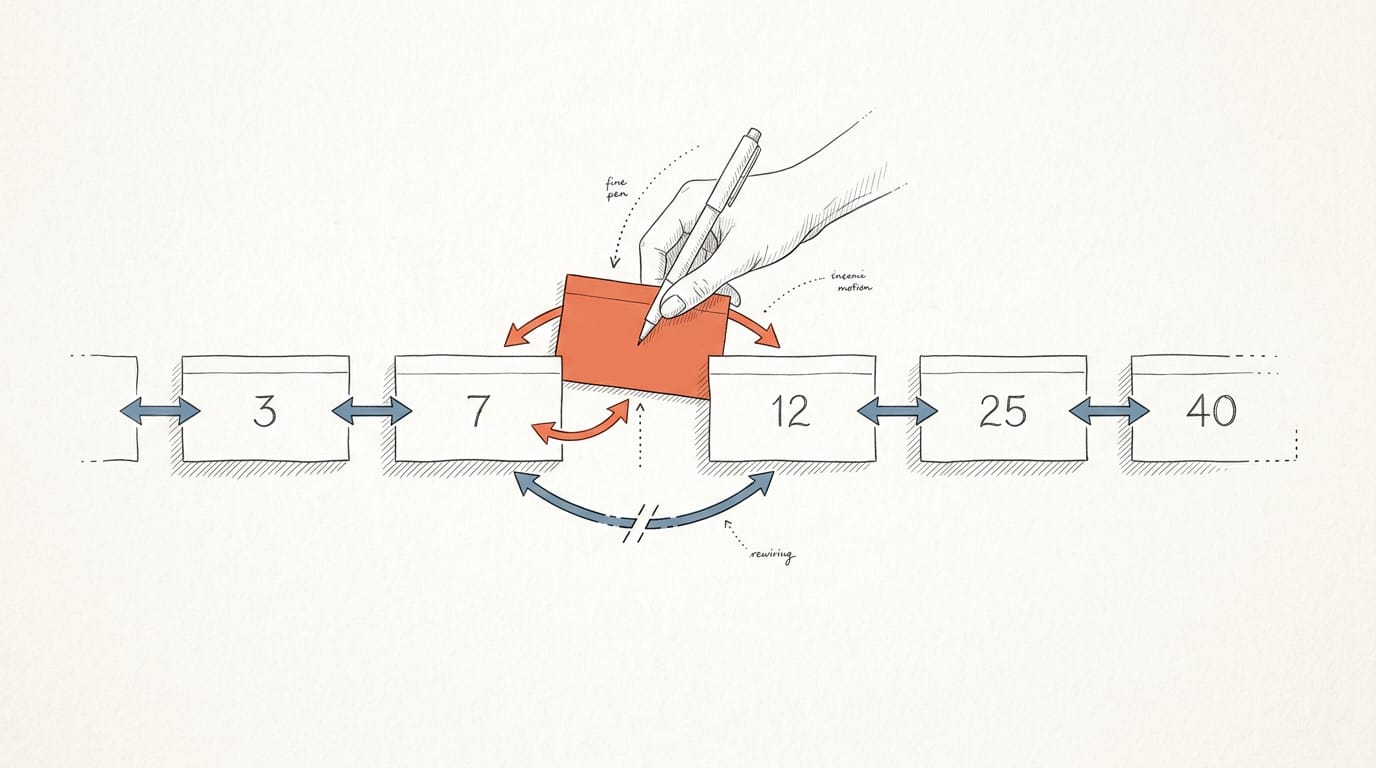
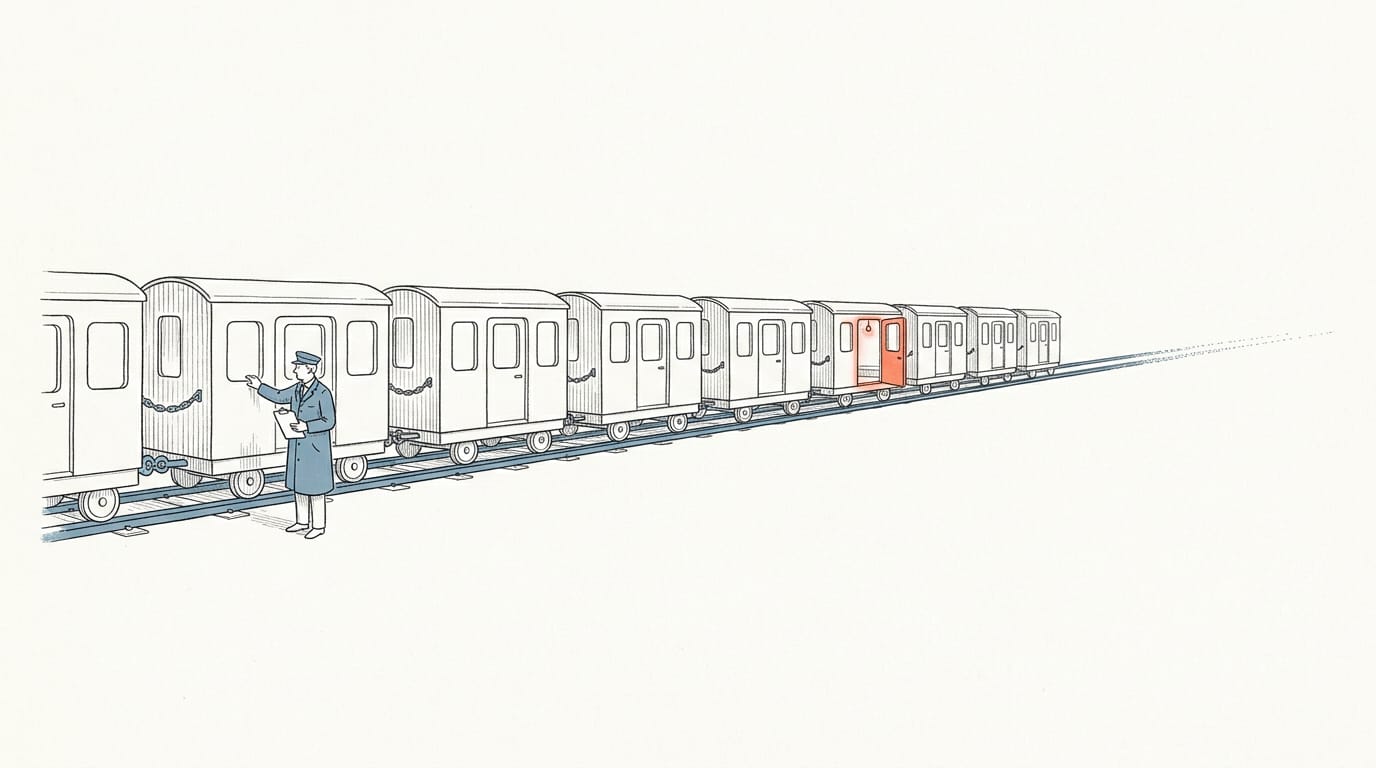
Think of a scavenger hunt where each clue tells you where the next one is hidden. You can slip a new clue into the middle of the chain without rewriting the others.
That’s the idea behind a linked list, and in C++ it’s std::list, a doubly linked list where every element links to the one before it and the one after it.
In this post, we’ll walk through what std::list does, how to create and fill one, the operations you’ll use most, how iterators move through it, and a runnable example.
We’ll also give you an honest verdict on when to pick it over std::vector, since cache locality usually makes vector the faster choice.
What Does Std::list Do in C++?
std::list is the standard library’s doubly linked list: a sequence container that stores each element in its own node, with the nodes chained together. That design drives both its strengths and its costs.
How each element points to both neighbors
Conceptually, each node is a small struct holding the data, a prev pointer to the node before it, and a next pointer to the node after it. Because nodes link through pointers instead of sitting in a row, they can live anywhere in memory.
That’s non-contiguous storage, and it means the list cares about how elements connect, not where they sit.
Inserting and removing items in constant time
Inserting or removing an element is fast wherever it happens, because only pointers are relinked. Nothing shifts, so iterators to the other elements stay valid. Both ends are fast too: push_front, push_back, pop_front and pop_back.
Consider a game engine programmer who keeps active projectiles in a std::list and erases a spent one mid-loop. The erase touches two pointers, and iterators to the remaining projectiles keep working.
Finding the spot still takes a walk through the list, though. Only the links change.
How it stacks up against other containers
- Versus vector: vector keeps its elements side by side, so it’s usually the better default. Walking a list hops around memory, which the CPU cache dislikes. Choose list when you’re constantly inserting in the middle and need stable iterators.
- Versus forward_list: forward_list is singly linked, with one next pointer per node, so it’s smaller but only moves forward.
- Versus array: array is a fixed-size, contiguous block, so it can’t grow or shrink.
- No random access: list has no indexing. To reach the fifth element, you walk four links.
Creating and Filling a New List
Before a list can hold anything, you bring it into your file, declare what it holds, and choose how it starts out. Here’s how each step works.
Include the header and declare your list
Everything you need lives in the <list> header, so start your file with #include <list>.
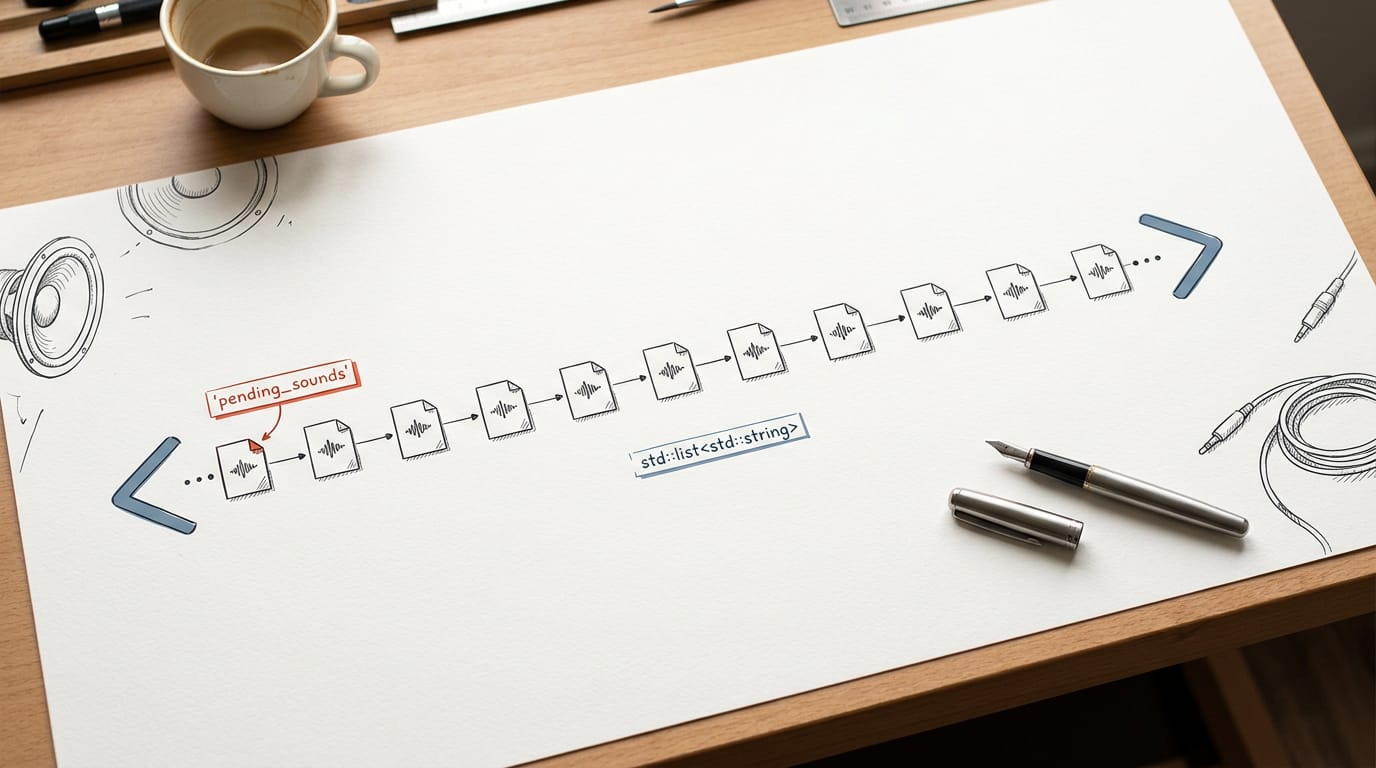
Then declare the list with its element type in angle brackets: std::list<int> holds integers, and std:: holds strings. Every element must match that type.
Name the list for what it holds. Think of a game engine programmer tracking sound effects that are waiting to play. A line like std:: tells the next reviewer what’s inside without a second look.
A clear name saves more review time than a clever one.
#include <list>
#include <string>

std::list<std::string> pending_sounds;
— end example]
Ways to build a list
You have four common ways to build a list, and the right one depends on what you know when you create it:
- Default empty list.
std::gives you an empty list to fill later, as work arrives.list<int> numbers; - Initializer list.
std::starts with those values, in order. Use it when you know the contents up front.list<int> scores{90, 85, 77}; - Count and fill value.
std::creates three copies of the same value.list<std:: string> idle(3, "idle"); - Copy constructor.
std::makes an independent copy, so changes to backup leave pending_sounds alone.list<std:: string> backup(pending_sounds);
Braces and parentheses look alike, but they build different lists. std:: holds two elements, 5 and 0. std:: holds five zeros. Braces list the contents. Parentheses give a count.
The Main Operations You’ll Use
Most of your work with std::list comes down to a few member functions.
Adding elements to your list
Adding at either end takes constant time (written O(1)), whatever the list’s length.
push_front()andpush_back()add to either end.insert(pos, value)places the new element just before the spot an iterator marks and returns an iterator to it.emplace_front(),emplace_back(), andemplace(pos, args...)build the element in place from its constructor arguments, with no temporary to copy or move.
Picture a game engine programmer queuing sound events. Each one goes in with emplace_back(), so nothing extra gets copied.
Reading elements at either end
front() and back() return references to the ends in constant time. Calling either on an empty list is undefined behavior, so check empty() first.
No index access. There’s no operator[] or at(), so you have to walk to element five with std::next(), which costs linear time. A vector would hand it to you in one step. That’s the trade-off.
Removing elements you no longer need
pop_front()andpop_back()remove from either end in constant time. They return nothing, so readfront()orback()first.remove(value)erases every element equal to value in one pass.clear()empties the whole list.
C++20 changes remove(). It now returns how many elements it erased, where it used to return nothing.
Checking size and whether it’s empty
size()reports how many elements the list holds, in constant time since C++11.empty()tells you whether anything is there. Prefer it oversize() == 0, since it states the intent directly.max_size()returns the most elements the container could theoretically hold. It’s an implementation limit, not a measure of free memory, so it isn’t a capacity check.
Algorithms built specifically for lists
std::sort needs random-access iterators, which lists lack, so it won’t compile on one. Lists offer member versions instead:
sort()orders the list in place and keeps equal elements in their original order. Pass a comparator to sort by anything else.reverse()flips the order by relinking nodes, so no elements get copied.unique()removes consecutive duplicates, so callsort()first if you want every duplicate gone.merge()combines two already sorted lists into one in linear time, emptying the list passed in.splice()moves elements from one list into another by relinking nodes. Moving one element or a whole list takes constant time.swap()exchanges two lists’ contents in constant time, and iterators keep pointing at their elements.
Iterators and references stay valid through a splice. The elements don’t move in memory, so a saved iterator or pointer still refers to the same element.
A web server team can move a stalled connection from an active list to an idle list without copying it.
C++20 std::erase works on lists too. std:: removes every match and returns the count, so one spelling covers vectors, strings, and lists.
Moving Through the List with Iterators
Walking a std::list means working with iterators, objects that point at one element and move to the next.
Stepping one item at a time
A list iterator is a bidirectional iterator: it moves one element at a time with ++it or --it. There’s no it + 3, so you can’t jump ahead the way you can on a vector.
Reaching a position means walking, which takes linear time (O(n), so the cost grows with the list’s length).
Consider a game engine programmer who needs the third spawn point. std::next does the walk for you: auto third = std:: It costs the same steps as a manual loop but leaves your starting iterator untouched. Walking is the cost.
Looping through each element in order
Four points matter:
- Range-based for loop.
for (const auto& job : jobs)visits each element in order. - Const reference.
const auto&avoids copies, while a plainautocopies every element. - Indexed loops.
jobs[i]andjobs.begin() + iwon’t compile, since a list has no random access. - Sorting.
std::sortandstd::ranges::sortneed random-access iterators, so calljobs.sort().
When an iterator becomes invalid
Inserting never invalidates a list iterator, so the ones you hold keep working. Erasing is the one exception: only the erased element’s iterator breaks.
A vector behaves differently. An insert or erase can shift later elements, and a reallocation can invalidate every iterator you hold.
Consider a job queue where workers remove finished jobs mid-loop. Erase returns the iterator to the next element, so it = jobs.erase(it); keeps the loop safe. Your loop never touches a dangling iterator.
Step-by-step Code You Can Run
Reading only goes so far, so compile this short program and you’ll see each step change the list.
Runnable examples and their printed output
Compile with -std=c++20. The std::erase call needs C++20, so under -std=c++17 that line won’t compile.
#include <iostream>
#include <list>

int main() {
    std::list<int> scores{70, 85, 90};
    scores.push_front(60);
    scores.push_back(95);

    auto it = scores.begin();
    ++it;
    ++it;

    scores.insert(it, 80);
    std::cout << "Iterator still points at " << *it << '\n';

    std::cout << "Before erase:";
    for (int s : scores) std::cout << ' ' << s;
    std::cout << '\n';

    auto removed = std::erase(scores, 90);
    std::cout << "Removed " << removed << " element(s)\n";

    std::cout << "After erase:";
    for (int s : scores) std::cout << ' ' << s;
    std::cout << '\n';
}
— end example]
Running it prints:
Iterator still points at 85
Before erase: 60 70 80 85 90 95
Removed 1 element(s)
After erase: 60 70 80 85 95
— end example]
What each step does:
- Building. The list starts as 70, 85, 90, then
push_frontandpush_backadd 60 and 95. - Walking. An iterator points at one element.
begin()gives the first, and each++itsteps forward, so two steps landiton 85. - Inserting.
insertputs 80 before 85. Think of a firmware developer holding an iterator to a queued job: after a new job goes in before it, that iterator still points at the same job. - Staying valid. The list relinks its neighbors instead of shifting them. Nothing shifted, so
itstill points at 85. - Erasing.
std::eraseremoves every 90 and returns the count, 1. C++20 added that return value, while the memberremovereturns nothing.

Strengths, Weaknesses, and When to Pick It
Every container trades one strength for another, and std::list gives up a lot to make a few operations cheap.
What lists do well
A doubly linked list links each element to its neighbors, so inserting or removing anywhere is cheap once you hold an iterator. Nothing shifts, and nothing gets reallocated.
The container also has its own sort, merge, and reverse members, because the generic std::sort needs random access.
Where lists fall short
There’s no random access, so list[5] won’t compile and you walk to the fifth element one step at a time. Each node also carries neighbor pointers, which adds extra pointer memory overhead to every element.
The bigger hit is cache locality: nodes scatter across the heap, so the CPU often stalls waiting on memory. Each element is also its own allocation through the allocator, so a burst of inserts becomes a burst of allocator calls.
Why use vector instead of list?
Choose by access pattern and element type:
- List for frequent mid-insertions. If you’re inserting at known positions constantly and rarely reading the whole sequence, a list’s cheap insert earns its keep.
- Vector for fast access. Indexing, binary search, and scans all rely on contiguous memory.
- Storing custom objects. A list node never moves, so even a non-movable type fits. Vector’s growth relocates elements, so that type won’t work there.
Because std::vector stores elements contiguously, it often has better cache locality than std::list, and a thesis on improving application server performance with in-memory storage calls vector the default sequence data structure in C++ for exactly that reason.
Locality usually wins, so measure your own element sizes and access pattern before you switch.
Picture a game engine developer inserting events into a timeline mid-frame: a list keeps each insert cheap. If that developer then scans the whole timeline every frame, vector wins.
The deciding factor is less about where you insert and more about how often you read everything afterward.
std::list trades the contiguous memory that makes vector fast to iterate for cheap insertion and removal once you hold an iterator. For most code, that trade doesn’t pay off, because cache locality usually makes vector win.
Keep std::list for the cases that need stable iterators or whole chunks moved with splice, and let vector be your default.
Since C++20, remove and remove_if now return how many elements they erased, so one call does the work and reports the result. Choose your container on purpose, and let cache locality work for you.
References
- Improving application server performance with in-memory storage — trepo.tuni.fi (2025)
Questions
What does list do in C++?
In C++, `std::list` is a standard-library sequence container implemented as a doubly linked list. It stores elements in separate nodes, allowing fast insertion and removal when you already have an iterator, but it has no indexing and is often slower to scan than a `std::vector`.